
Khi nào dùng prompt này
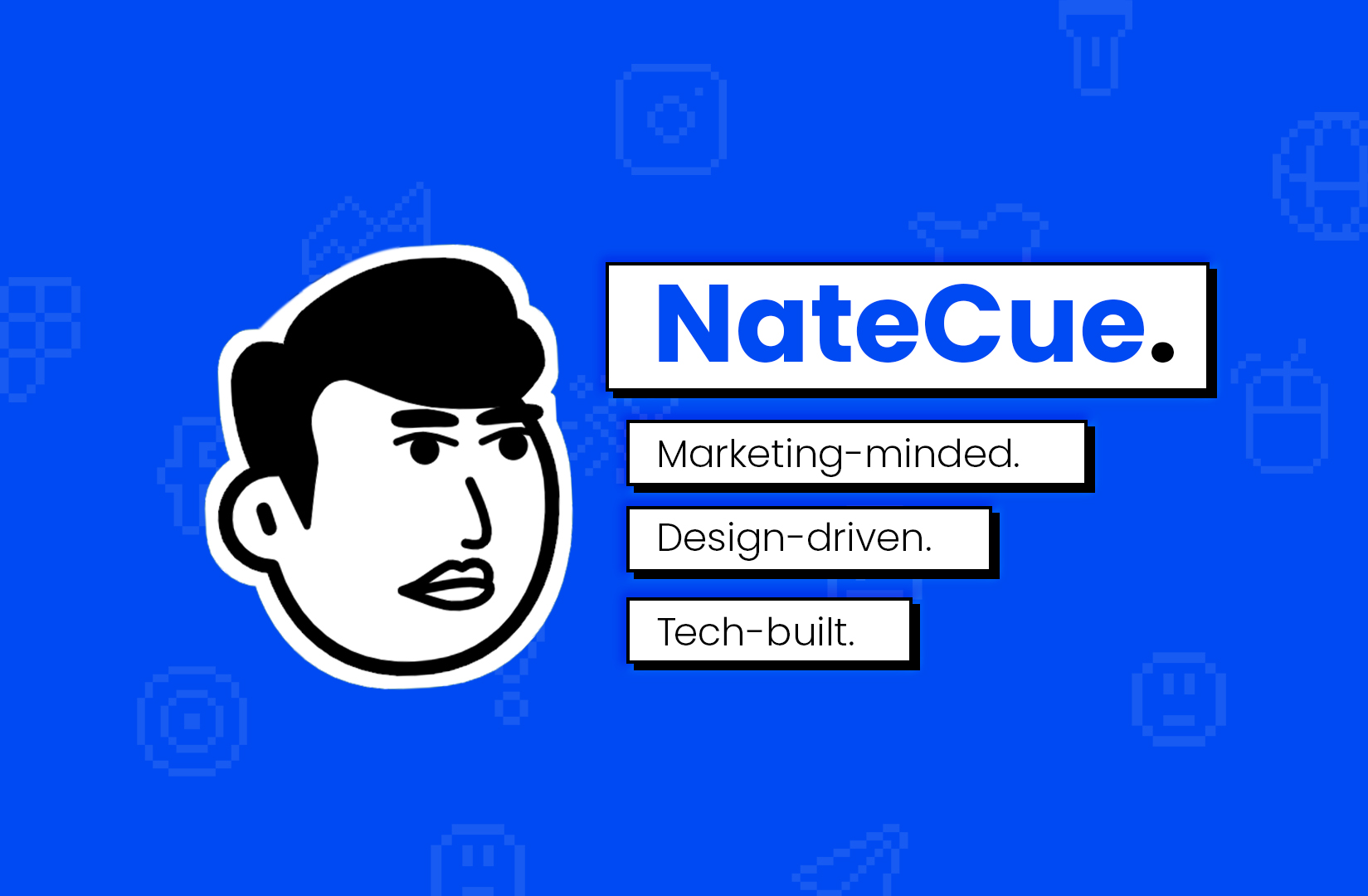
Khi cần biến 1 ảnh chân dung thật thành mascot icon dạng cartoon vector clean, hợp brand - dùng cho avatar sản phẩm, branding founder, sticker pack, hoặc mascot trong design system.
Prompt được tune để:
- Bám sát khuôn mặt trong ảnh gốc (không tự bịa thêm chi tiết).
- Output flat, vector-style, chỉ dùng đen-trắng-xám - không màu, không shading, không 3D.
- Giữ silhouette gọn (chỉ đầu, không cổ, không thân).
Prompt template
Create a clean, high-contrast vector mascot icon based only on the person
in the reference photo, showing the head in 3/4 view. Do not invent or add
odd elements not present in the photo. Use a wide, cartoon-style grin with
square front teeth, large block irises with white triangle highlights, and
a simple black mouth interior. The skin should be pure white, with no
gradients or shading - modern mascot art. Place the head on a solid gray
(#5A5A5A) background with no neck, no body, and no extra elements. Use
only black, white, and gray - no color, texture, shadow, or 3D effects.
Tips
- Đính kèm đúng 1 ảnh ref (chụp thẳng mặt hoặc 3/4 là tốt nhất). Đính nhiều ảnh model sẽ tự average lại các đặc điểm → mất nét riêng.
- Với Midjourney dùng
--style raw --stylize 100để output bám sát prompt, không “tô vẽ” thêm chất nghệ thuật ngoài ý. - Nếu output cứ thêm bóng đổ, append thêm: “strictly flat 2-tone, no greyscale shading inside the face.”
- Để output nhất quán giữa các bản, fix seed (DALL·E gen_id, Midjourney
--seed).
Biến thể có thể thử
- Đổi
gray (#5A5A5A)thànhcream (#F5F0E6)cho vibe mềm hơn (vẫn không màu phần khác). - Thêm
add a small NateCue logo at bottom-right cornernếu muốn baking brand vào. - Đổi mô tả miệng thành
closed-mouth confident smirkcho mascot trông “lạnh” hơn.
Bài viết liên quan