
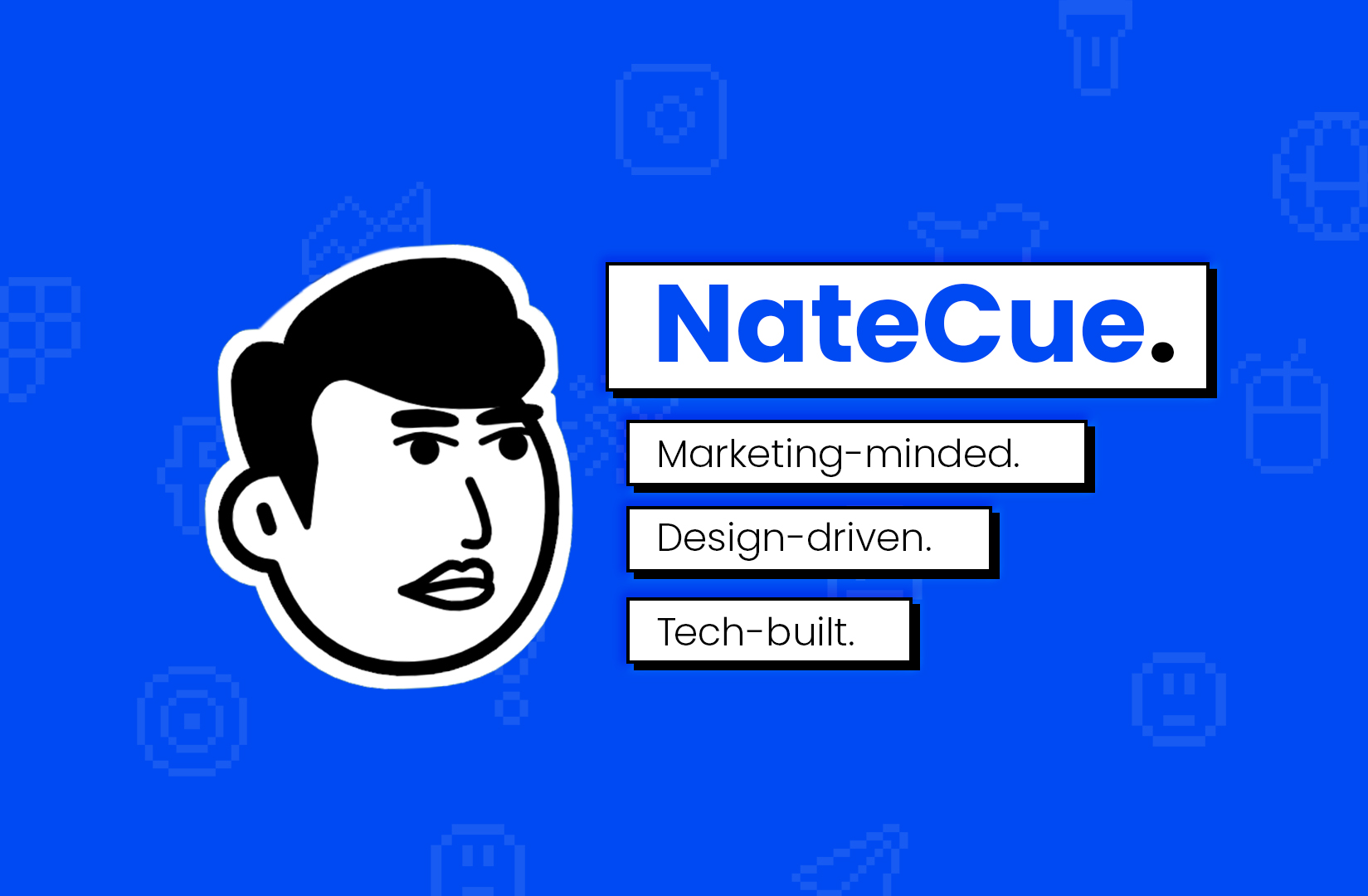
When to use this prompt
When you need to turn a real portrait into a clean, brand-ready cartoon-style mascot icon - typically for product avatars, founder branding, sticker packs, or design system mascots.
Tuned to:
- Stay faithful to the actual face in the reference photo (no invented features).
- Produce a flat, vector-style mascot in black, white, gray only - no color, no shading, no 3D.
- Keep the silhouette tight (head only, no neck, no body).
Prompt template
Create a clean, high-contrast vector mascot icon based only on the person
in the reference photo, showing the head in 3/4 view. Do not invent or add
odd elements not present in the photo. Use a wide, cartoon-style grin with
square front teeth, large block irises with white triangle highlights, and
a simple black mouth interior. The skin should be pure white, with no
gradients or shading - modern mascot art. Place the head on a solid gray
(#5A5A5A) background with no neck, no body, and no extra elements. Use
only black, white, and gray - no color, texture, shadow, or 3D effects.
Tips
- Attach 1 reference photo only (front-facing or 3/4 view works best). Multiple refs confuse the model into averaging features.
- For Midjourney use
--style raw --stylize 100to keep the output close to the prompt instructions and avoid the model adding artistic flourish. - If the output keeps adding shadows, append: "strictly flat 2-tone, no greyscale shading inside the face."
- For consistent output across variants, generate with a fixed seed (DALL·E gen_id, Midjourney
--seed).
Variations to try
- Replace
gray (#5A5A5A)withcream (#F5F0E6)for a softer look (still no color elsewhere). - Add
add a small NateCue logo at bottom-right cornerif you want branding baked in. - Switch grin description to
closed-mouth confident smirkfor a more serious mascot variant.