
Overview
figma-mcp-go is an open-source MCP server written in Go that lets AI tools like Claude Code, Cursor, and GitHub Copilot interact directly with Figma - without going through the REST API. Instead, it uses a "Figma Plugin as bridge" architecture: a plugin running inside Figma Desktop acts as the bridge between the AI and the currently open Figma file.
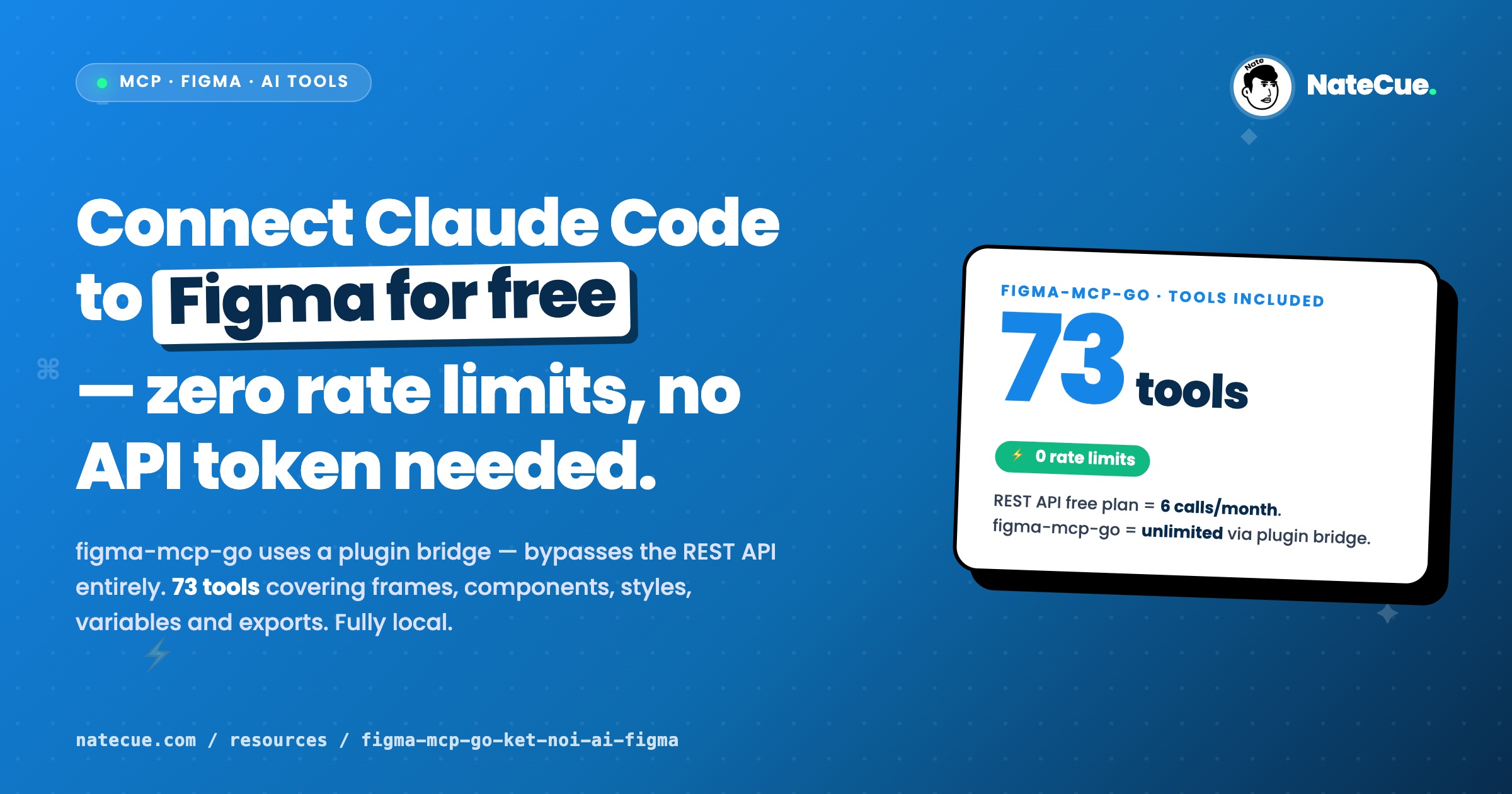
The biggest pain point with Figma's REST API is its extremely low quota: the free plan allows only 6 calls/month, and the Pro plan only 200/day - enough to burn through in a single test session. figma-mcp-go removes this constraint entirely.
Highlights
- No API token required - the plugin API handles authentication
- Zero rate limit - works with a free Figma plan
- 73 tools covering: create/edit frames, text, components, styles, variables, prototypes, and exports
- Real-time access - reads data directly from the open file
- Fully local - no data sent to external servers
Quick setup
Claude Code CLI
claude mcp add -s project figma-mcp-go -- npx -y @vkhanhqui/figma-mcp-go@latest
Or via .mcp.json
{
  "mcpServers": {
    "figma-mcp-go": {
      "command": "npx",
      "args": ["-y", "@vkhanhqui/figma-mcp-go"]
    }
  }
}
Figma plugin
- Download
plugin.zipfrom the repo's Releases page. - Open Figma Desktop -> Plugins -> Development -> Import plugin from manifest.
- Select
manifest.json- keep the plugin active while working.
Notes
- Only works with Figma Desktop (browser version not supported).
- The plugin must be active in the file you want to work on.
- Community project - no official SLA.
Click the button above to view details and installation instructions on GitHub.