
Community building is one of the core jobs of a marketer. Beyond Facebook Groups, Telegram and Discord have become powerful tools for building communities across many different fields. In this article I want to go deeper on Discord specifically - the tool I think is the best fit for community building right now.
What makes Discord special, in my opinion, comes largely from its Roles system (think of it as a rank or title system) - a feature that taps into deep psychological principles that marketers have cleverly used to create tight-knit communities. Research shows that strategically deploying a role system can increase community engagement by up to 30%.
How Discord Roles Work
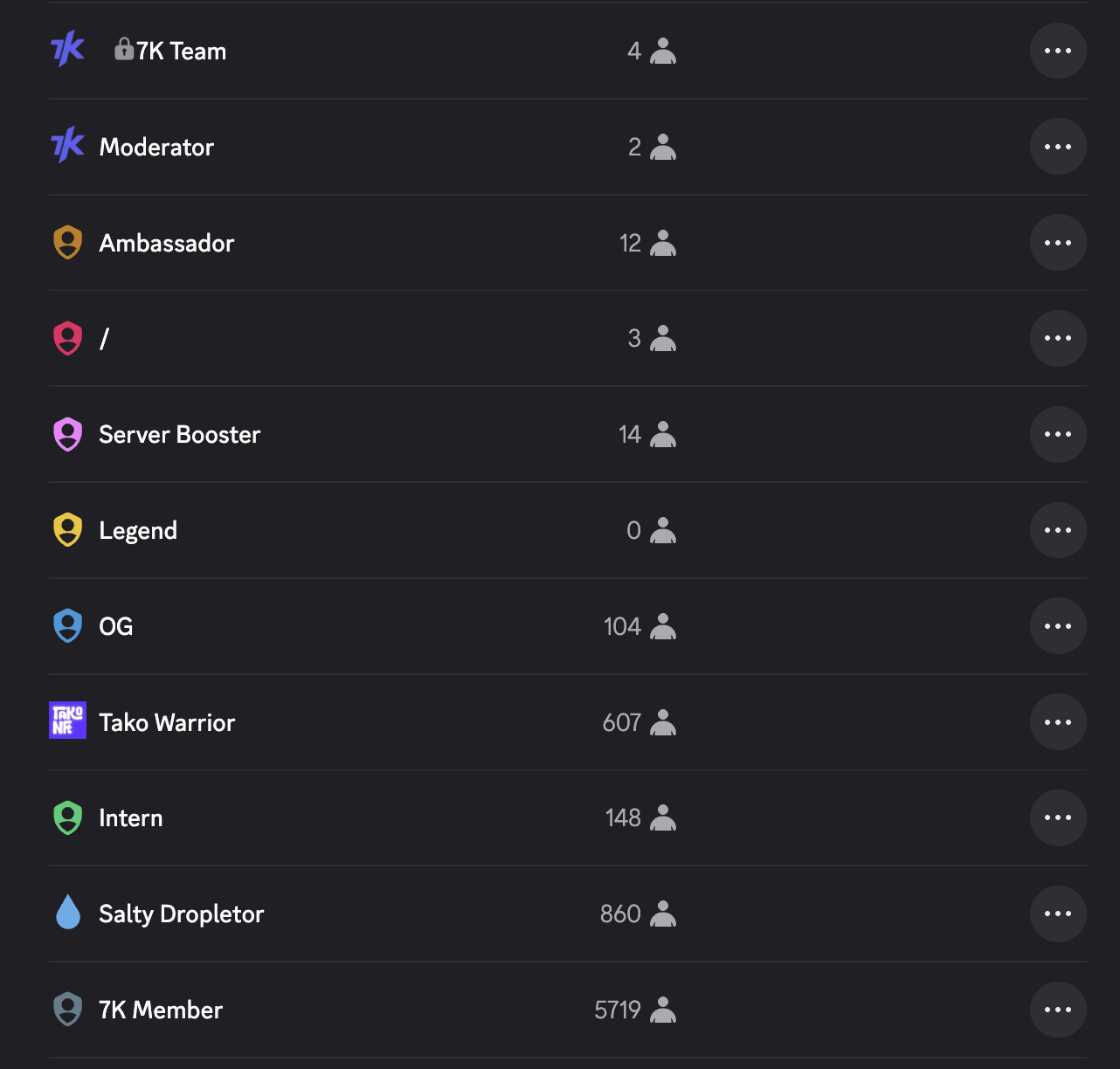
Discord roles let you assign specific positions to users within a server, operating in a top-down hierarchy. A user’s display color is determined by their highest role in that hierarchy, creating a visual identity system around power and status within the community.
Roles aren’t just labels - they define concrete permissions: the ability to view certain content, manage the server, and access private channels based on which roles a user holds.
Social Identity Theory: What Makes Discord Roles Special
Henri Tajfel’s Social Identity Theory (1978) explains how individuals derive their self-concept from both personal and social identities. People naturally categorize themselves and others into ingroups and outgroups.
Discord roles tap directly into this psychological need by creating clear subgroups. When someone is assigned the “Moderator” or “VIP” role, they immediately feel a sense of belonging to a special group with its own distinct privileges. This is especially powerful in NFT communities, where roles like “Early Adopter” or “Diamond Hands” create unique social identities for each member.
Visual Identity: How Color Also Shapes Psychology
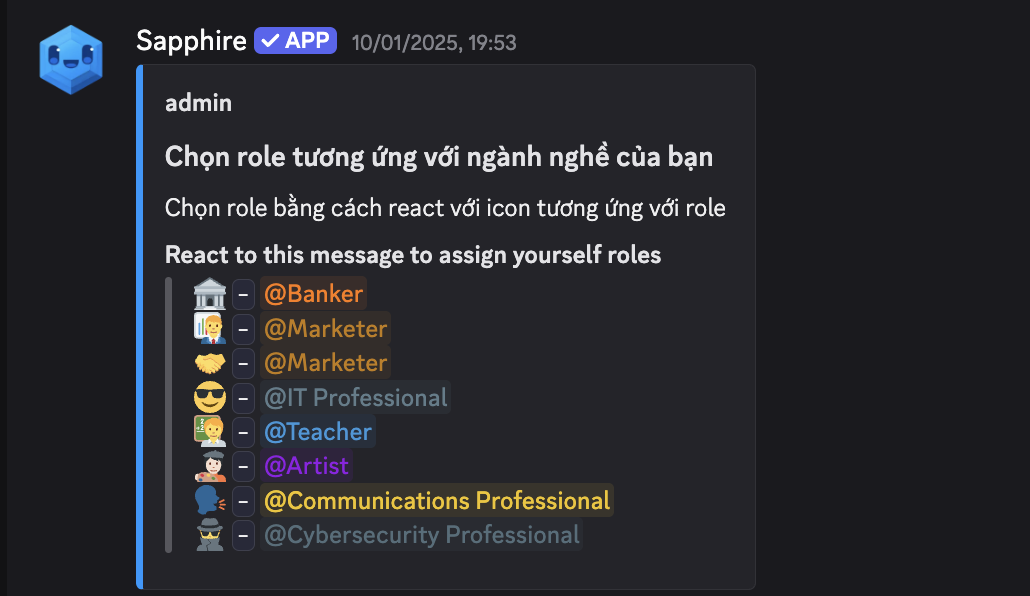
One unique thing about Discord Roles is that beyond the label itself, roles can also be differentiated by color. This makes it quick to recognize a user’s “identity” at a glance. On top of that, the color display ties directly into role hierarchy - what’s called Visual Hierarchy.
Visual hierarchy has a strong effect on how people perceive themselves and their position within a group. When you see your name displayed in gold (VIP) instead of gray (regular), it activates feelings of pride and social status. This system also reduces confusion and creates order in communication - members can quickly tell who to go to for help.
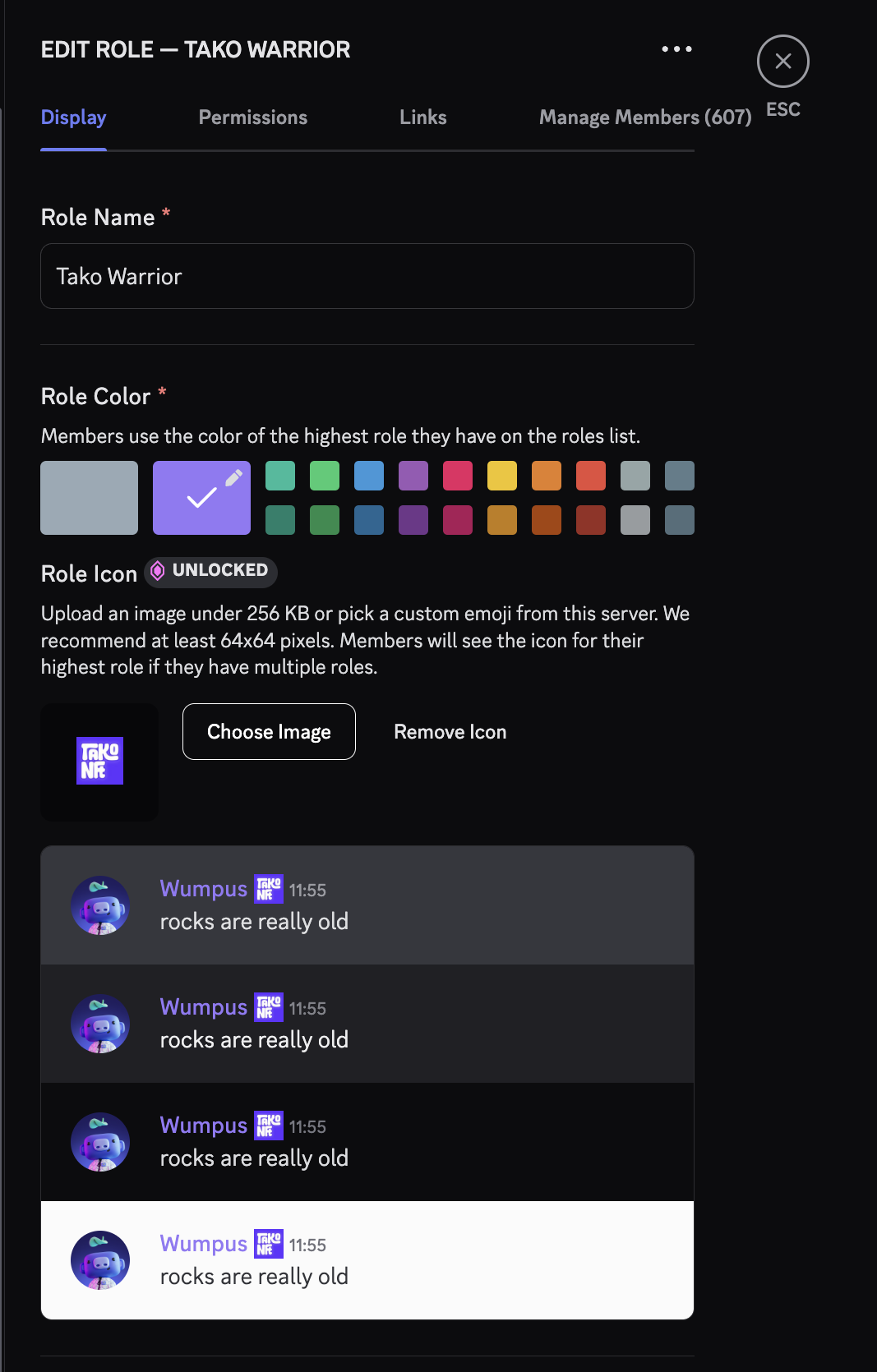
At a deeper level, Discord lets you create a role icon from any image, which further boosts role recognition and strengthens a user’s identity attachment to that role. (This is, of course, a paid feature.)
Gamification: Tapping Into Human Motivation
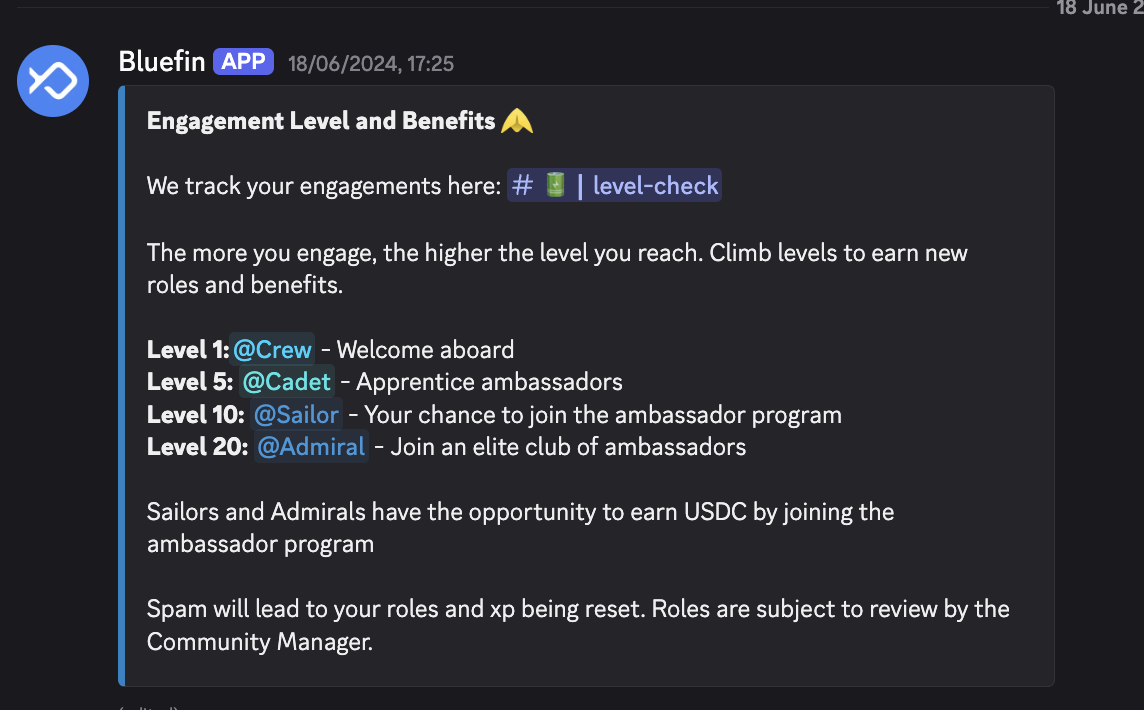
Gamification in Discord roles exploits fundamental human desires: recognition, reward, status, and achievement. The role system creates natural gamification, where members “level up” based on their level of participation.
Successful communities often set up progression hierarchies like “Newcomer” - “Regular” - “Veteran”, creating a clear path of advancement. Running challenges and missions guides member behavior toward specific community goals. There are plenty of tools and bots - both free and paid - that can handle this for admins. Notably, Discord bots today can automatically assign a role when a user reaches a certain level, or verify identity through NFT-gating systems, which means community builders don’t have to spend nearly as much time on manual management compared to other platforms.
Breaking Down the Most Common Role Types
Functional & Governance Roles
Owner - Administrator - Moderator - Helper form the backbone of any community, with Event Coordinator and Bot Manager supporting specialized functions.
- Admin - Full control over the server.
- Moderator - Content moderation, mute/kick/ban members.
- Helper / Supporter - Answering questions, basic support.
- Bot Role - Assigned to bots to grant permissions (managing nicknames, messages, etc.)
Member Tier Roles
- New members:
Newbie/Visitor- Usually requires verification to enter the server. - Long-standing members:
Regular,Veteran,OG- Based on time in the community or days online. - Active members:
Chatter,Engaged,Top 10 Poster- Based on message volume. - Contributors:
Donor,Builder,Beta Tester,Partner- People who contribute to the server or project.
Interest / Group Roles
For example in a gaming community: “Gamer” - “FPS Player” - “RPG Player”, creating smaller like-minded subgroups within the larger community.
Language / Region Roles
🇻🇳 Vietnamese,🇺🇸 English,🇯🇵 JapaneseSEA,EU,NA- Used to segment support zones or organize events.
Achievement & Incentive Roles
“Diamond Hands”, “Whale”, “Early Adopter” in crypto, or “Monthly Pick”, “Reading Challenge Participant” in book clubs.
You can mix and match these role types to build a better ranking, segmentation, and moderation system for your Discord server.
Strategy: Using Discord Roles to Build a Brand Community
Everything above is the theory behind why we should leverage Discord Roles as a tactic for community building. Below are the lessons I’ve drawn from actually applying this in my work.
Build a Role System With Clear, Distinct Functions
Each role system should have clearly separated roles and functions, organized across multiple levels, for example:
- Governance roles: Owner - Administrator - Moderator - Helper
- Community roles: Early Supporter, Whitelist Member, Holder
- Achievement roles: Top Contributor, Active Member, Milestone Achiever
Each role provides different access levels and creates a sense of exclusivity.
Think Strategically About Role Colors
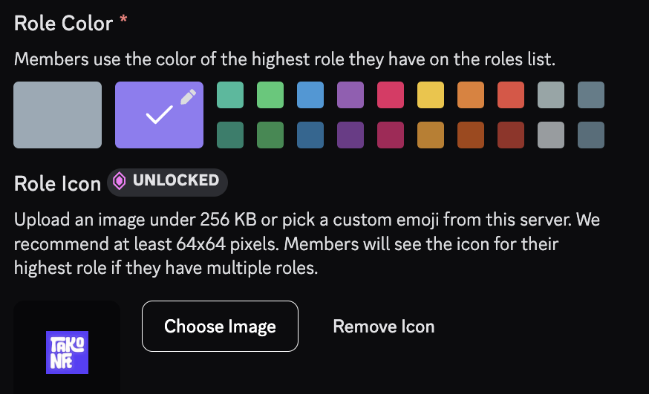
Here’s how I usually approach it:
- Team roles use the brand color / primary logo color
- Admin is typically red: it feels “hot” and carries a sense of authority
- Remaining roles are shaded by importance - the higher the importance, the deeper the color
Then layer in role icons (used sparingly) to add extra distinction for high-importance roles.
Conclusion
When implemented strategically with a deep understanding of user psychology, Discord’s role system goes far beyond its original technical function to become a sophisticated social tool. By activating fundamental psychological motivators - the need to belong, to be recognized, and to assert one’s identity within a social structure - roles help shape community identity, drive engagement, and create an environment where each individual feels meaningful. This combination of technology and psychology is the key factor in increasing engagement, nurturing loyalty, and building deep social connections within digital communities.